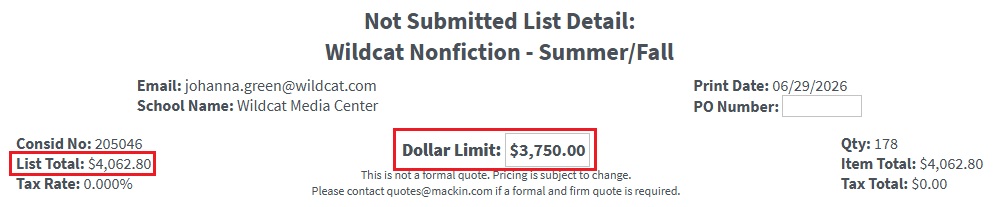

Subscription length – New filters with the subscription length for digital products have been added to the following locations:
- Search Results and Advanced Search: When “Subscription” is selected as the Access Type, a new section to filter results by subscription length is available.
- Filter List modal – In the Additional Information section, a new option to filter the list by subscription length is available.
- List Summary: On the Digital Info tab, a new section for Subscription Length is available under Access Type.
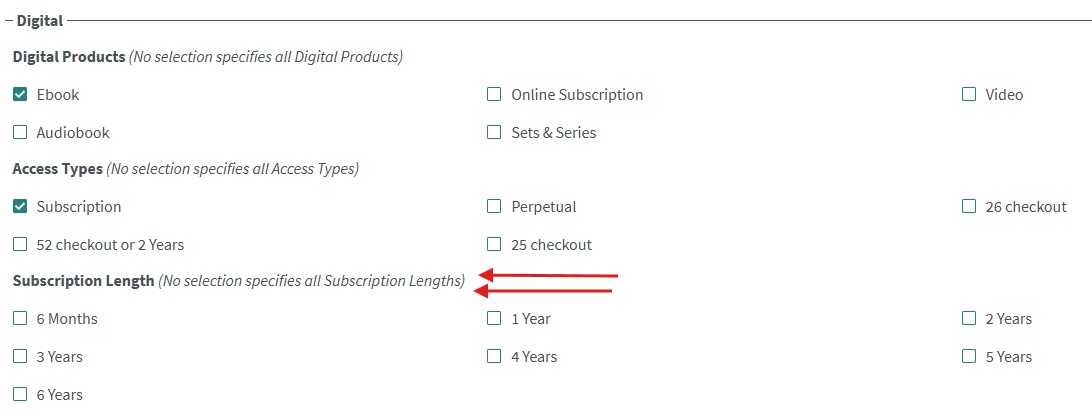
Common Sense Media profile option – If users would rather exclude Common Sense Media information, that can now be done on the My Profile page in the Search Preferences section. When this option is unchecked, all Common Sense Media reviews and ratings will be suppressed. It will be checked by default.
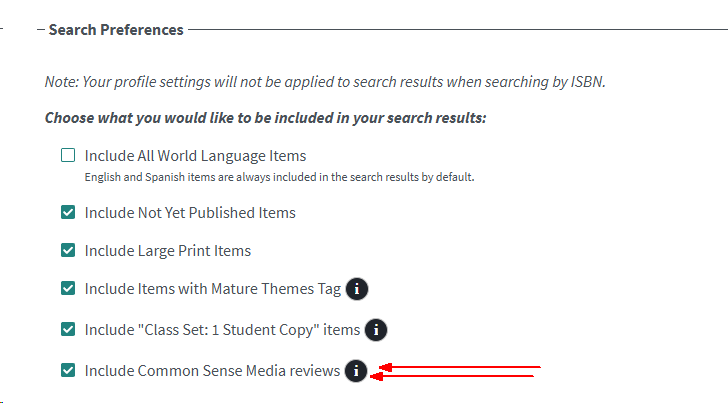
“Available” search parameter – We’ve added a new search parameter to the advanced search form. Clicking on the “Available” checkbox will remove unavailable titles (out of print, out of stock) from the results.
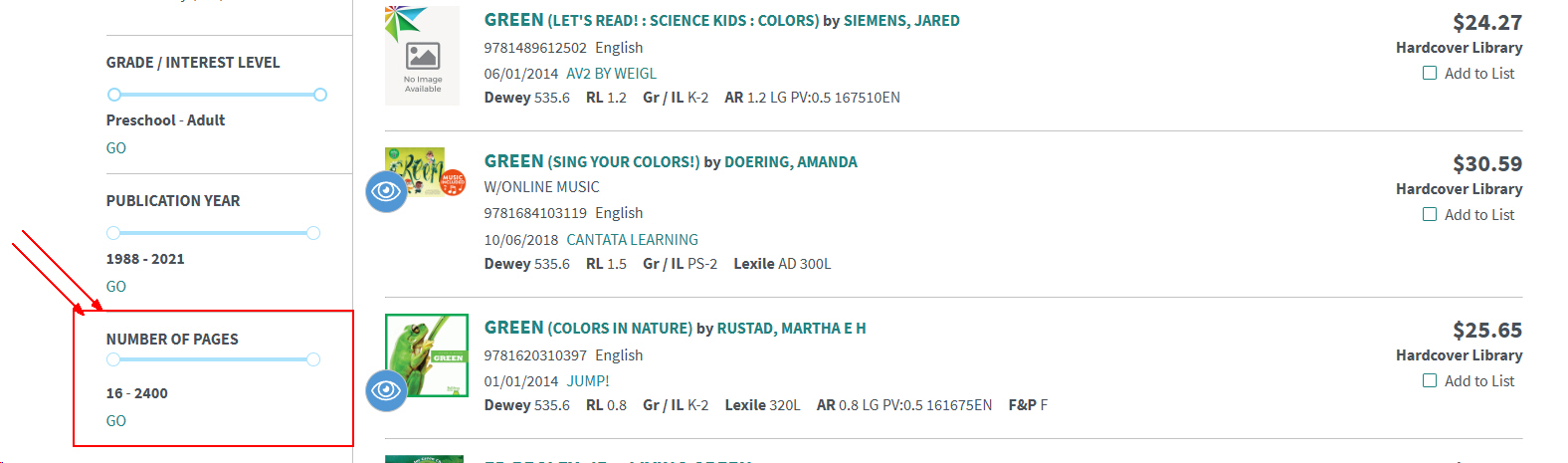
Page number filter – Mackin.com users will have the ability to filter search results by the number of pages. This is a very helpful feature when searching for young reader materials. The filter range is presented below the PUBLICATION YEAR filter.
Classifications – We corrected an issue that prevented the Classification field from displaying on resources when more than one was applied. Now these are displayed as comma-separated values.

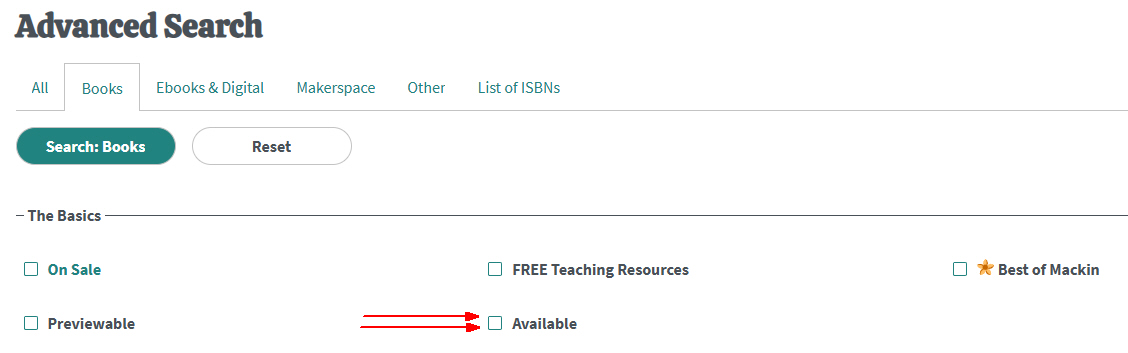
Print List – On the printout for unsubmitted lists, the placement of the Dollar Limit and List Total has changed. Dollar Limit is now displayed in the center, and List Total is located on the left side.